 TrustRouting
Community / Hub
Structured QA on your own fleet
Use the catalog and journal to investigate delivery behaviour, OTP channels and suspicious outcomes — identify and document, not “block spam”.
Start FreeResources · Testing
The Admin Testing workspace combines the Testing Library / Service Catalog with Manual and Automated runs, journal KPIs and reports — so verification journeys stay tied to subscriber-side evidence.
In the product
Events link by Test ID to Messages evidence. TrustRouting does not generate A2P traffic for you.

Testing Library
Community and Remote users can browse and search the catalog, open an individual procedure, and launch or record a test from it. Canonical catalog records stay TrustRouting-controlled.
The master catalog is an in-product asset. There is no supported bulk download or full-catalog XLSX export for Community/Remote — see Terms for scraping and republication restrictions.
Evidence linkage
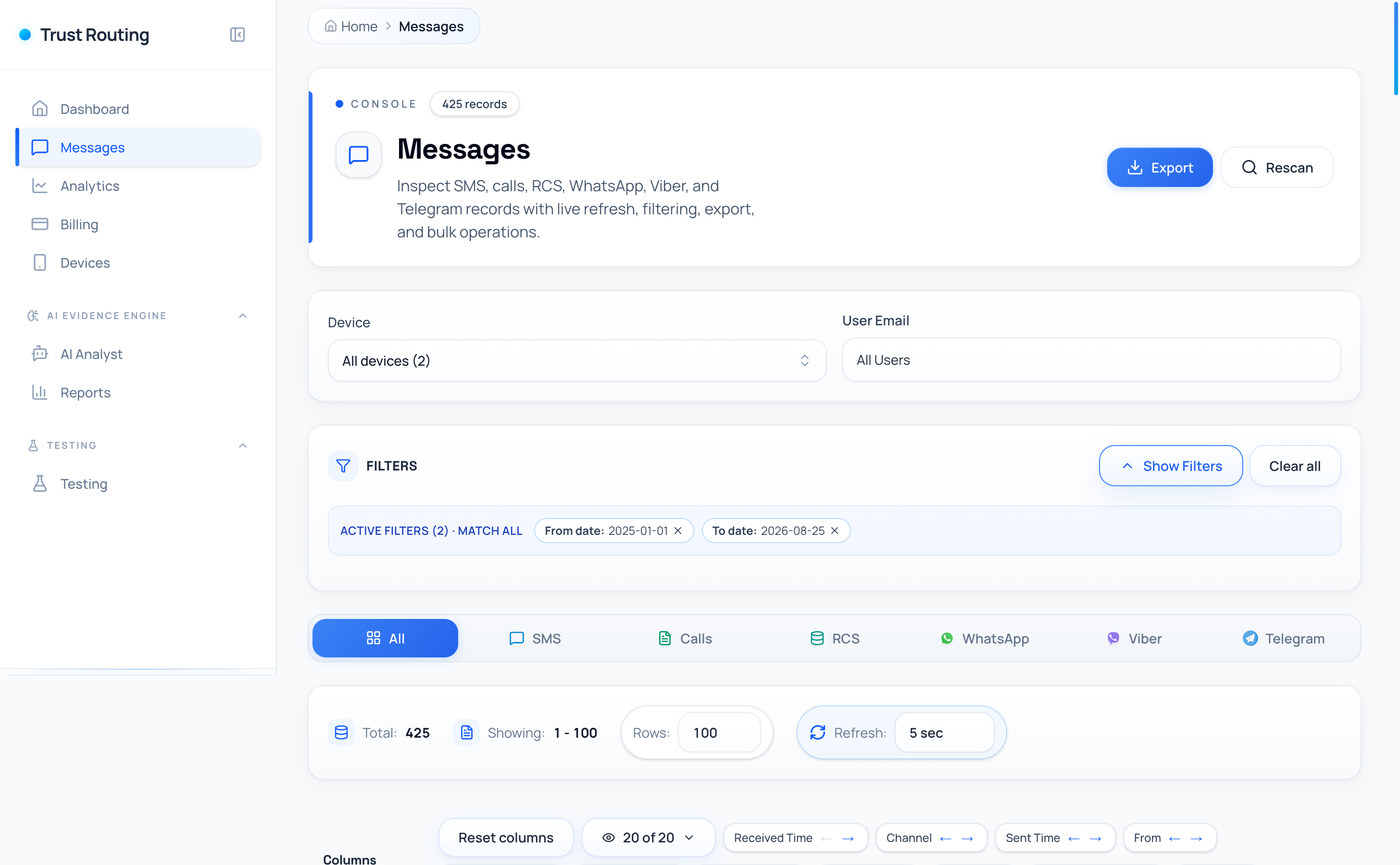
After a run, review SMS, RCS, voice and supported OTT notification outcomes that arrived on the designated handset — then compare with what you expected.


Who uses it
Community / Hub
Use the catalog and journal to investigate delivery behaviour, OTP channels and suspicious outcomes — identify and document, not “block spam”.
Start FreeMNO / Enterprise
Reuse the same Testing workspace inside Private Assurance programs for production-service verification and firewall / supplier validation with network correlation.
Explore A2P AssuranceInstall the Android agent, sign in, then open Testing in the sidebar.